Skip to content
The Easy Master
Series
Tutorials
Backend
Frontend
Python
Docker
Database
Mobile App
Cheat Sheets
About
Search for:
Series
Tutorials
Backend
Frontend
Python
Docker
Database
Mobile App
Cheat Sheets
About
Search
X
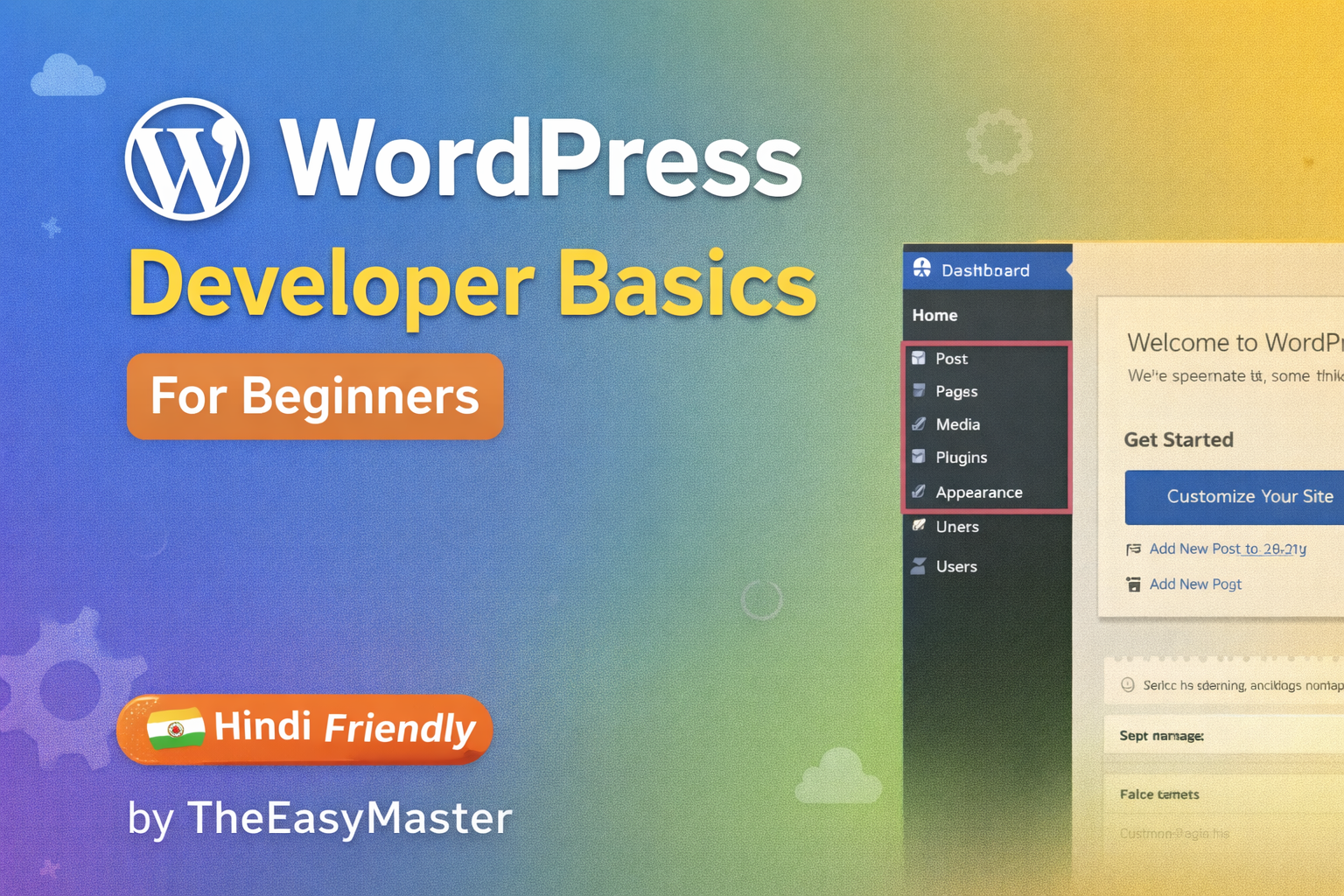
WordPress Developer Basics for Beginners
Categories:
Wordpress
Wishlist
Share
Share Course
Page Link
Share On Social Media
Course Info
Reviews
More
What Will You Learn?
Install and set up WordPress locally or on free hosting
Navigate and use WordPress dashboard effectively
Create pages, posts, and upload media
Customize a free theme (logo, header, colors)
Install and configure essential plugins (SEO, Contact Form, Security)
Understand WordPress hooks and apply a mini-project
Add custom footer text using action hooks
Gain confidence to start your own WordPress website
Course Content
Module 1: Introduction
Lesson 1: What is WordPress?
Lesson 2: Install WordPress Locally or Free Hosting
FAQ
Module 2: WordPress Dashboard Basics
Lesson 3: Dashboard Overview & Settings
Lesson 4: Pages, Posts & Media
FAQ
Module 3: Simple Customization
Lesson 5: Install & Customize Free Theme
Lesson 6: Install & Use 3 Free Plugins
FAQ
Module 4: Hooks & Real Example
Lesson 7: What are Hooks? Actions & Filters
Lesson 8: Mini Project: Add Custom Text in Footer Using Hook
FAQ
Student Ratings & Reviews
No Review Yet