नमस्ते दोस्तों! स्वागत है The Easy Master पर। 🚀
साल 2026 आ गया है और top AI tools for students 2026 अब पढ़ाई का अनिवार्य हिस्सा बन चुके हैं। चाहे आप स्कूल में हों, कॉलेज में, या कोई नई skill सीख रहे हों – सही AI tool आपका समय बचा सकता है, आपकी productivity बढ़ा सकता है, और आपको बेहतर results दिला सकता है।
इस guide में मैं आपको top AI tools for students 2026 की पूरी list दूंगा – उनकी खासियत, student discounts की जानकारी, और real-life use-cases के साथ। भाषा Hinglish रहेगी ताकि समझने में आसानी हो।
चलिए शुरू करते हैं! 💡
1. Why Top AI Tools for Students 2026 Are Essential
Pehle students को घंटों library में बैठकर research करनी पड़ती थी, notes बनाने में समय लगता था, और coding में errors को solve करने में दिमाग खराब हो जाता था। 2026 में top AI tools for students 2026 ये सब काम minutes में कर देते हैं।
Benefits of Top AI Tools for Students 2026:
- ⏱️ Time Saving: घंटों का काम 10 मिनट में।
- 🎯 Better Grades: AI से improved writing, research, और presentation।
- 💰 Mostly Free + Student Discounts: Most tools have generous free tiers or special discounts for students.
- 🧠 Learn Faster: AI tutor की तरह काम करता है।
- 🌐 24/7 Availability: No need to wait for teacher’s office hours.
2. Top AI Tools for Students 2026 – Detailed List
1. ChatGPT-5 (OpenAI) – All-in-One Study Assistant
ChatGPT ab sirf chat tak limited nahi hai। 2026 में ChatGPT-5 agentic capabilities के साथ आया है – ये आपके लिए web browse कर सकता है, PDFs पढ़ सकता है, और code run कर सकता है।
Best for:
- Homework help
- Essay brainstorming
- Coding explanations
- Summarizing long articles
Student Use Case:
Upload a 50-page PDF textbook chapter and ask: “Explain this chapter in simple Hindi with bullet points.”
Pricing: Free version available; paid plans offer advanced features – check official website for latest pricing.
2. Notion AI – Smart Notes & Organization
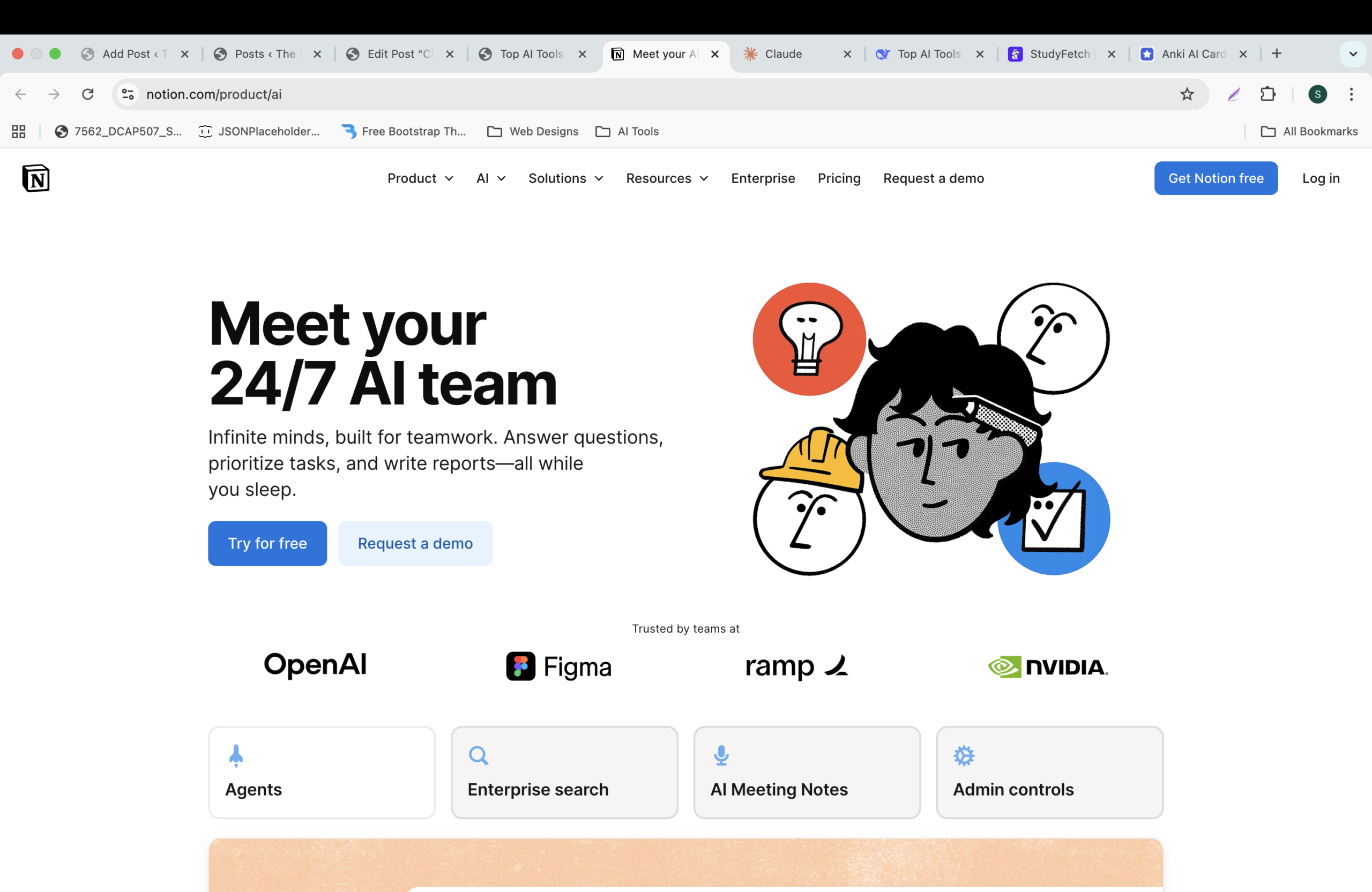
Notion is the ultimate all-in-one workspace. With AI, it becomes a second brain. You can take notes, manage your semester schedule, and instantly turn messy notes into study guides.
Best for:
- Organizing study materials
- Creating revision notes
- Tracking assignments
Student Use Case:
Paste lecture notes and ask Notion AI: “Summarize these into 5 key points and create a quiz.”
Pricing: Free for personal use; AI add-on available with student discount – check official site.
3. Canva Magic Studio – Design Like a Pro
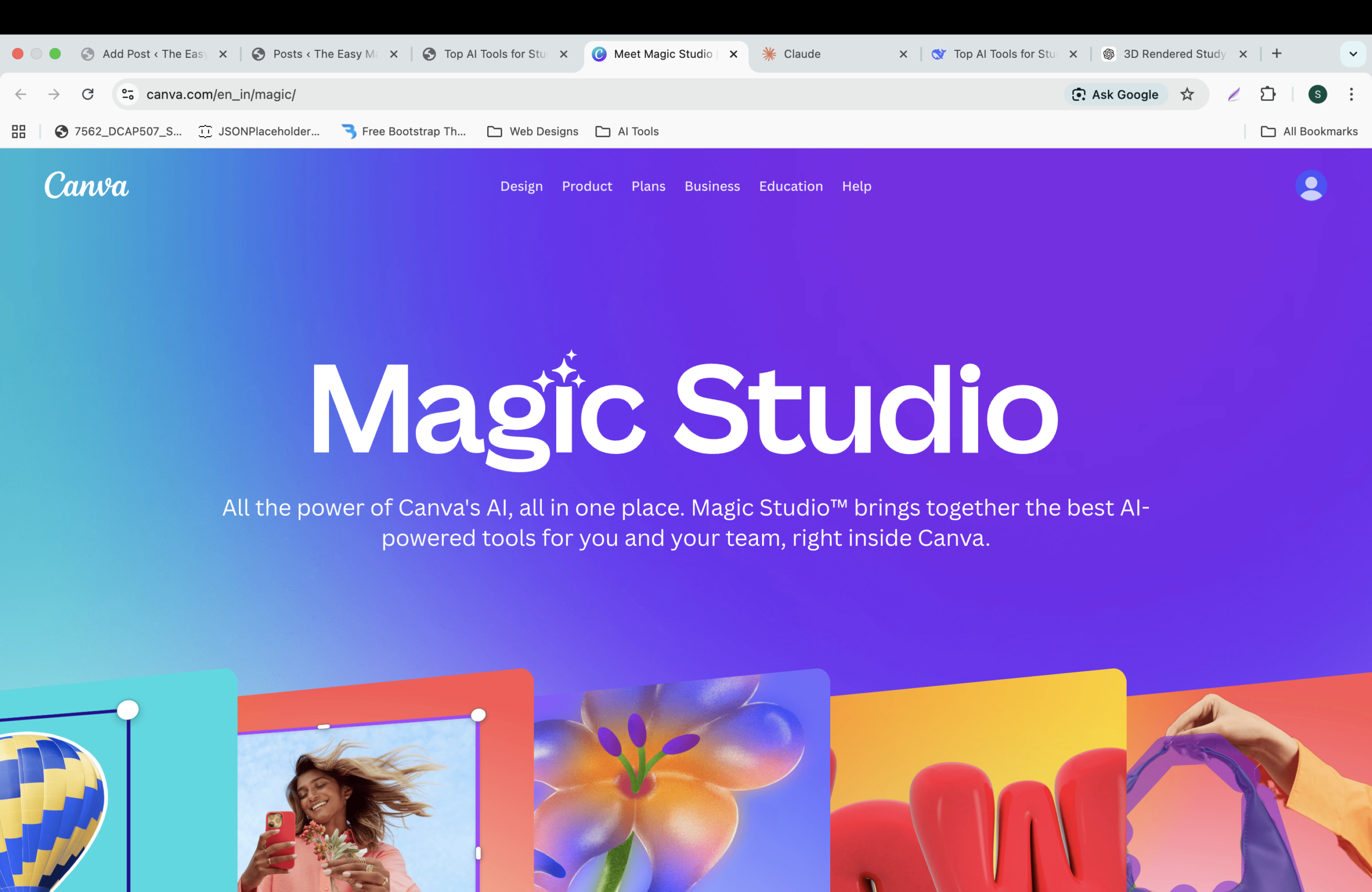
Presentations, posters, social media graphics – all without design skills. Canva’s Magic Studio lets you generate entire designs with AI.
Best for:
- Project presentations
- Infographics
- Resume/CV design
Student Use Case:
Type: “Create a presentation on climate change for a high school class.” Canva generates slides with text and images.
Pricing: Free tier excellent; Canva for Education available free for eligible students and teachers.
4. Gamma – AI Presentations in Seconds
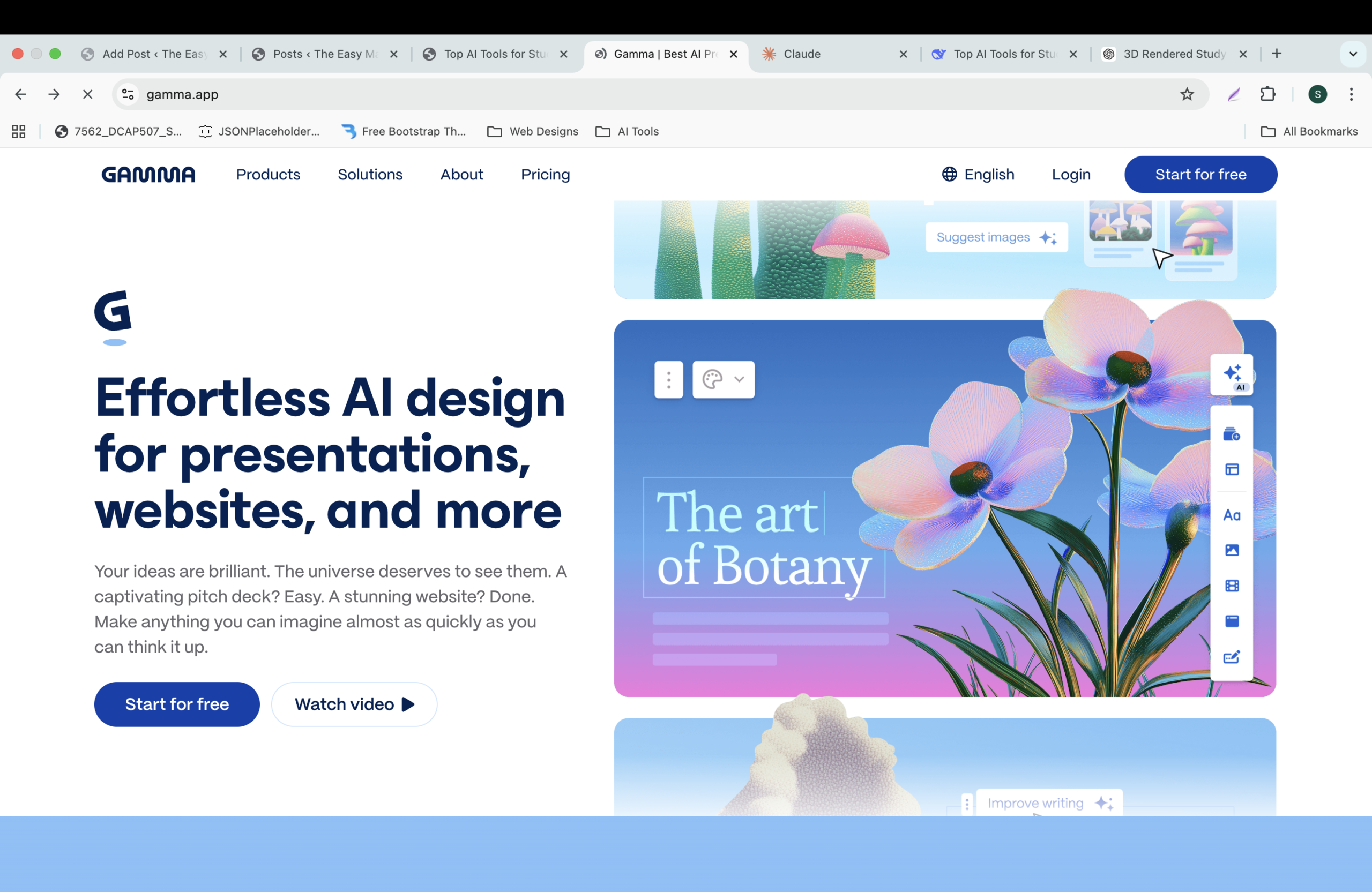
Gamma is a new AI tool that builds modern, interactive presentations instantly. No more boring PowerPoints.
Best for:
- Quick presentations
- Portfolio websites
- Visual storytelling
Student Use Case:
Paste your essay, click “Generate”, and get a stunning presentation ready to present.
Pricing: Free tier with monthly credits; paid plans unlock more features.
5. Perplexity AI – Research with Citations
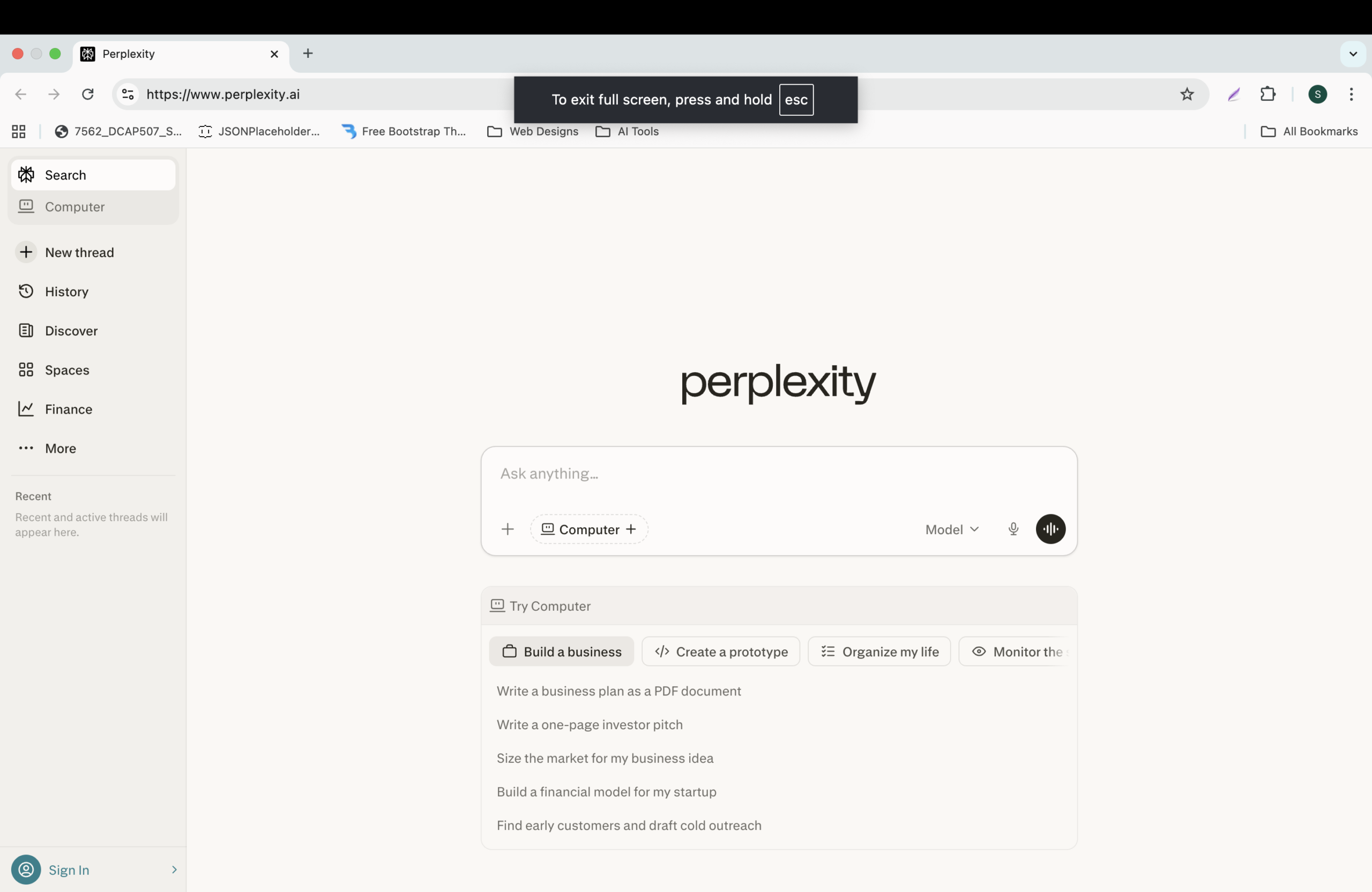
Unlike ChatGPT, Perplexity is an answer engine that gives you real-time answers with sources. Perfect for research papers and fact-checking.
Best for:
- Academic research
- Finding statistics
- Verifying facts
Student Use Case:
Ask: “What are the latest studies on solar panel efficiency?” It returns summarized answers with links to actual papers.
Pricing: Free version available; Pro version offers advanced search capabilities.
6. Otter.ai – Lecture Transcription
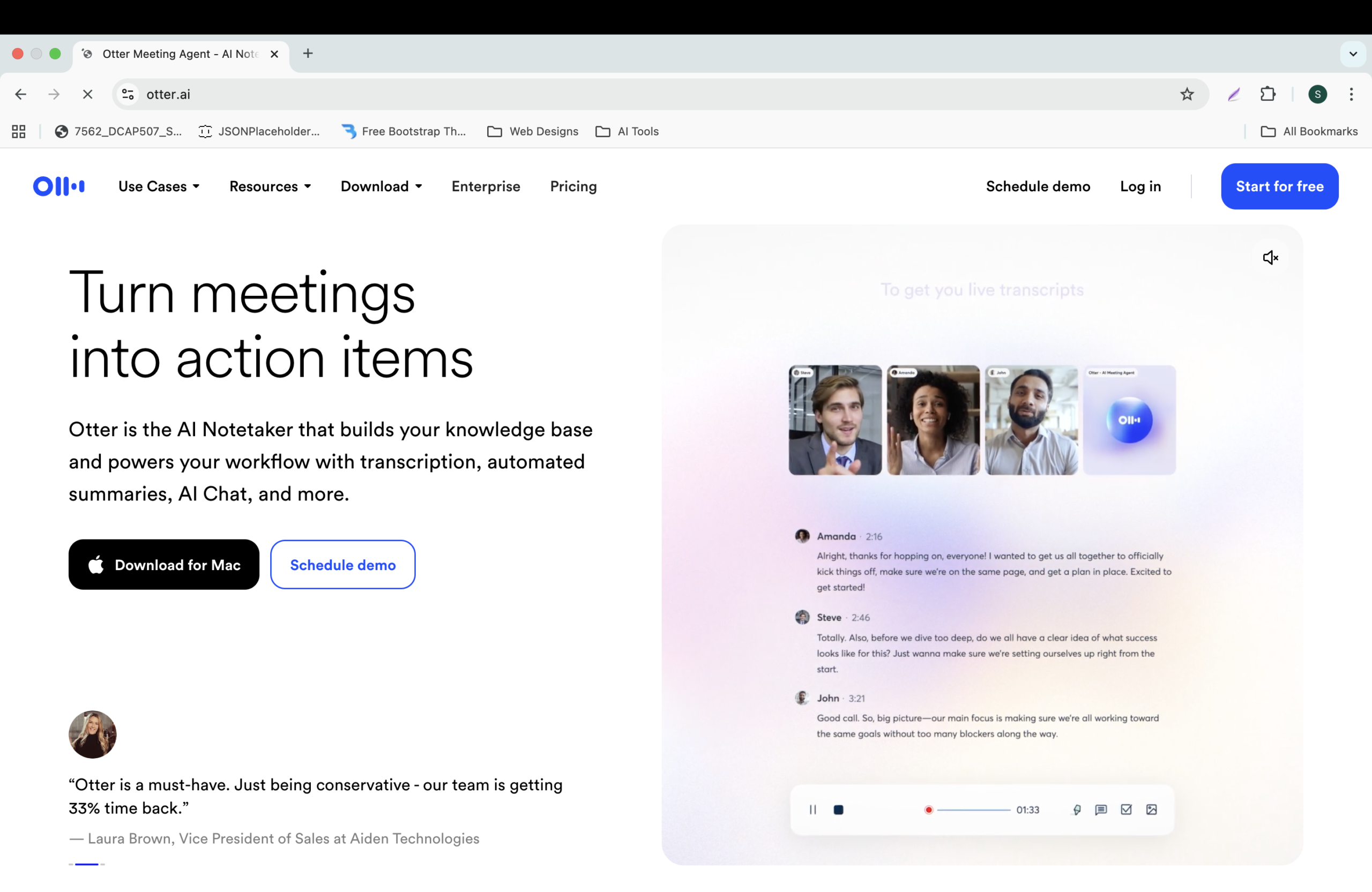
Never miss a word from your professor. Otter.ai records and transcribes live lectures, and even generates summaries.
Best for:
- Recording classes
- Transcribing interviews
- Reviewing missed lectures
Student Use Case:
Join Zoom class, Otter joins automatically and provides a searchable transcript after class.
Pricing: Free tier (300 mins/month); paid plans with student discount available.
7. Replit AI / Cursor – Coding Tutor
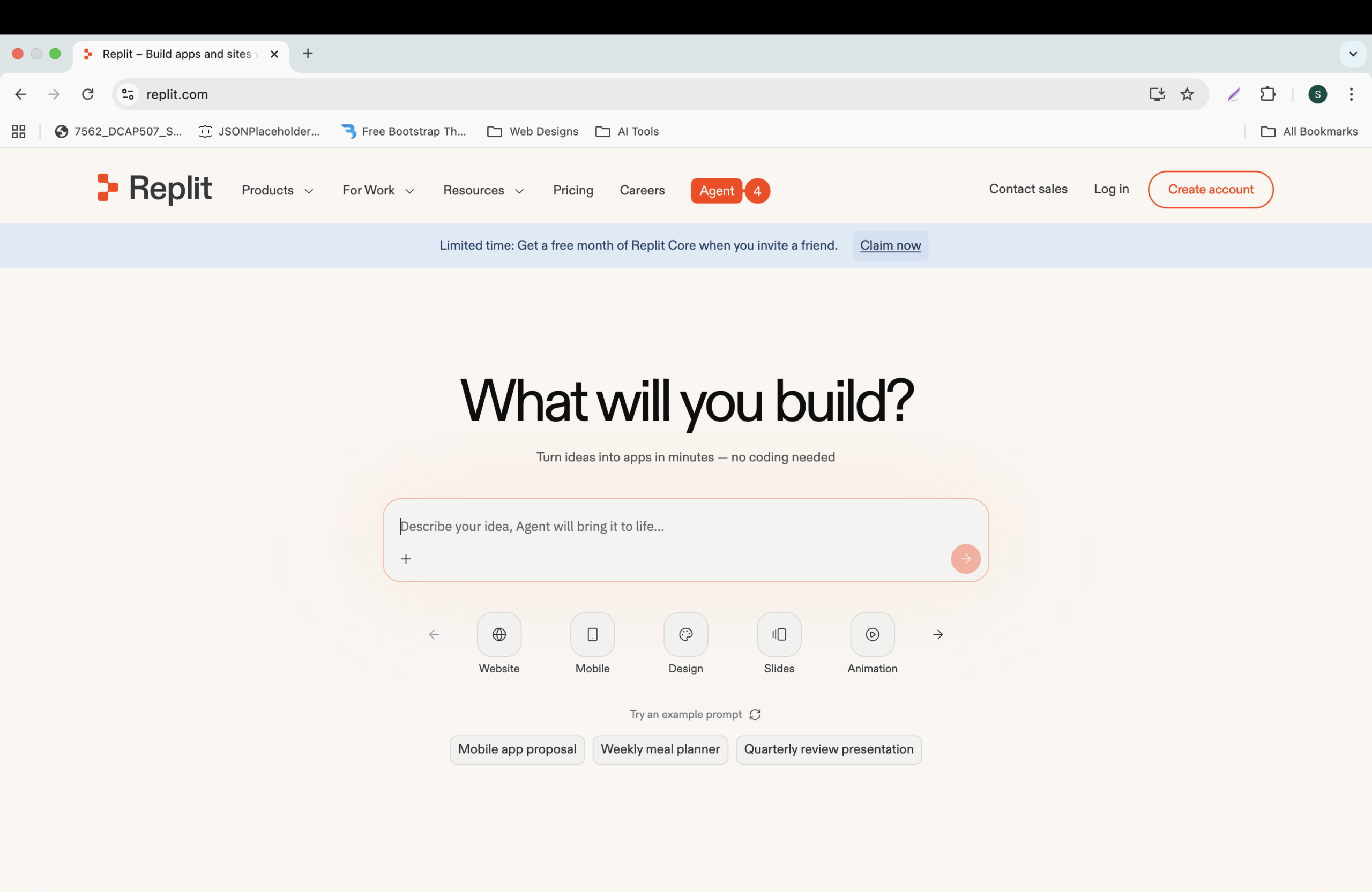
For students learning programming, Replit and Cursor are game-changers. They help you write, debug, and understand code with AI.
Best for:
- Learning Python, JavaScript, etc.
- Building projects
- Debugging errors
Student Use Case:
Get an error in your code? Paste it into Replit and ask AI to explain and fix.
Pricing: Replit free, Cursor free with limited AI usage.
Interested in learning coding with ChatGPT? Read our detailed guide:
ChatGPT से coding कैसे करें (Beginner Guide)
8. GrammarlyGO – Academic Writing Polish
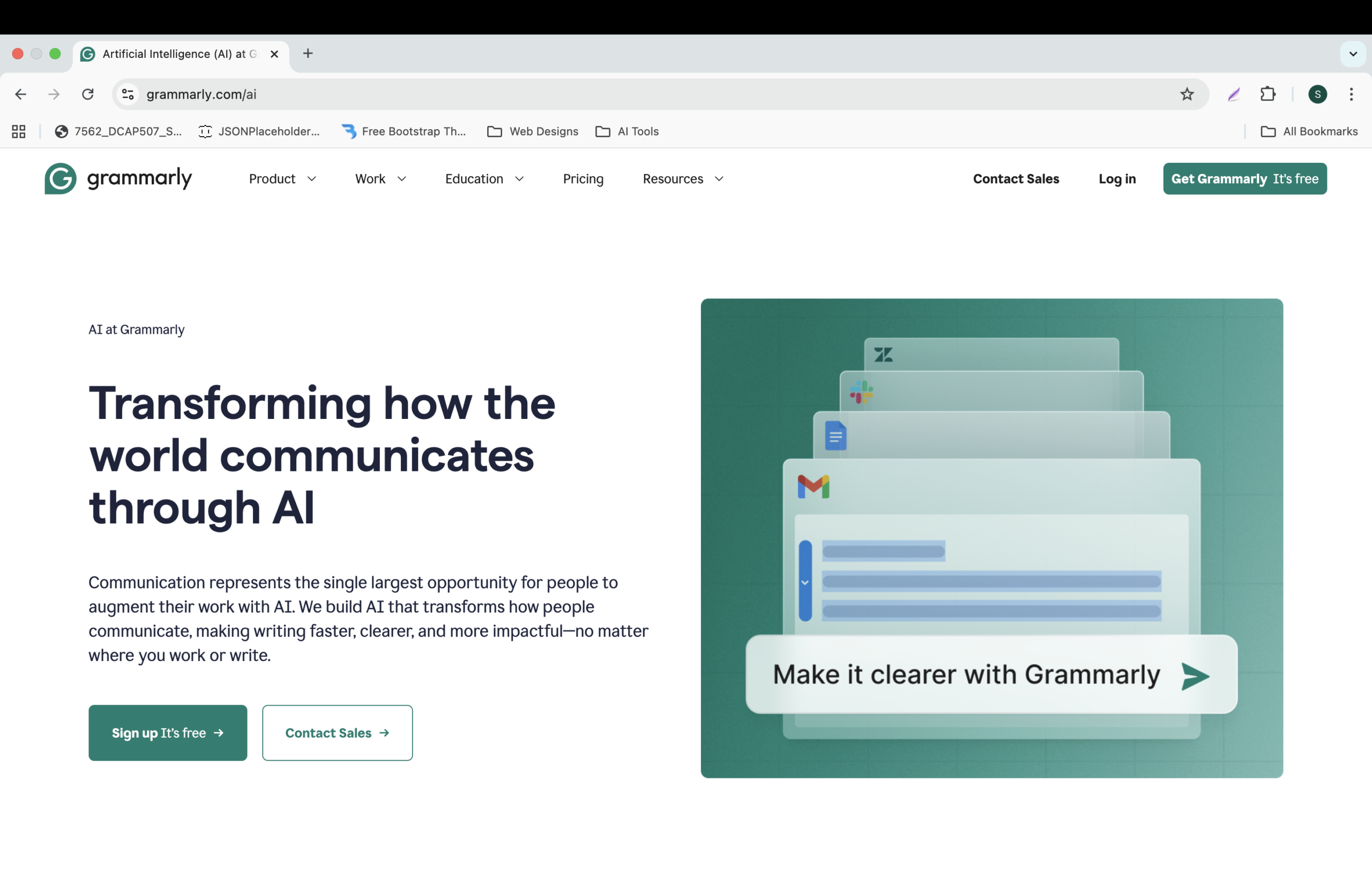
GrammarlyGO goes beyond spell check. It can rewrite sentences, adjust tone, and even help with citations.
Best for:
- Essay writing
- Email to professors
- Reports
Student Use Case:
Write a draft, then ask GrammarlyGO: “Make this more formal for a university professor.”
Pricing: Free basic version; Premium with student discount available.
9. Leonardo AI / Midjourney – Image Generation
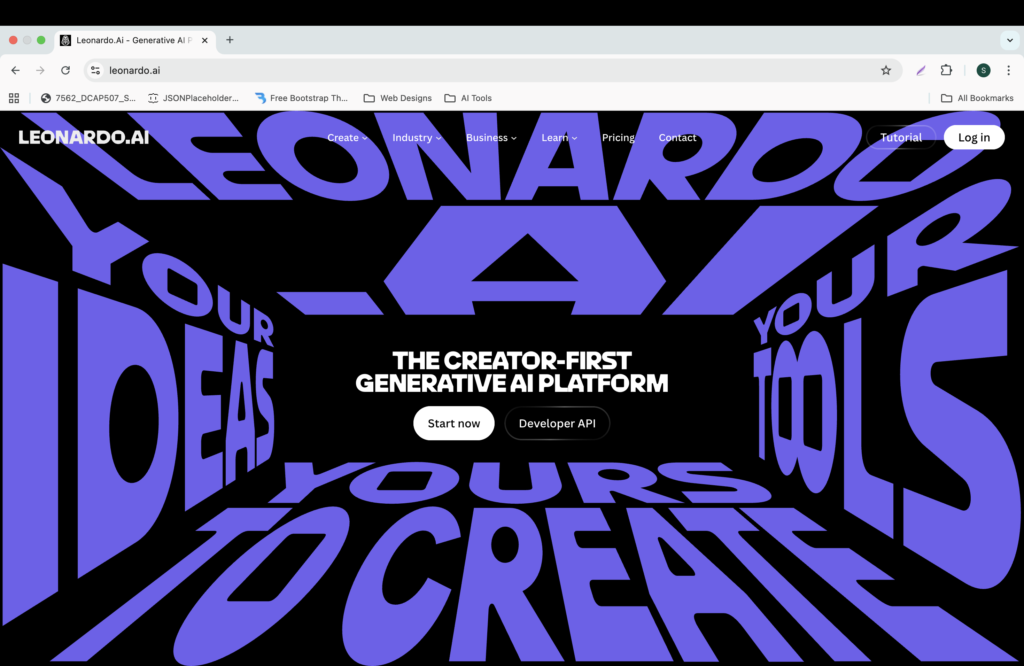
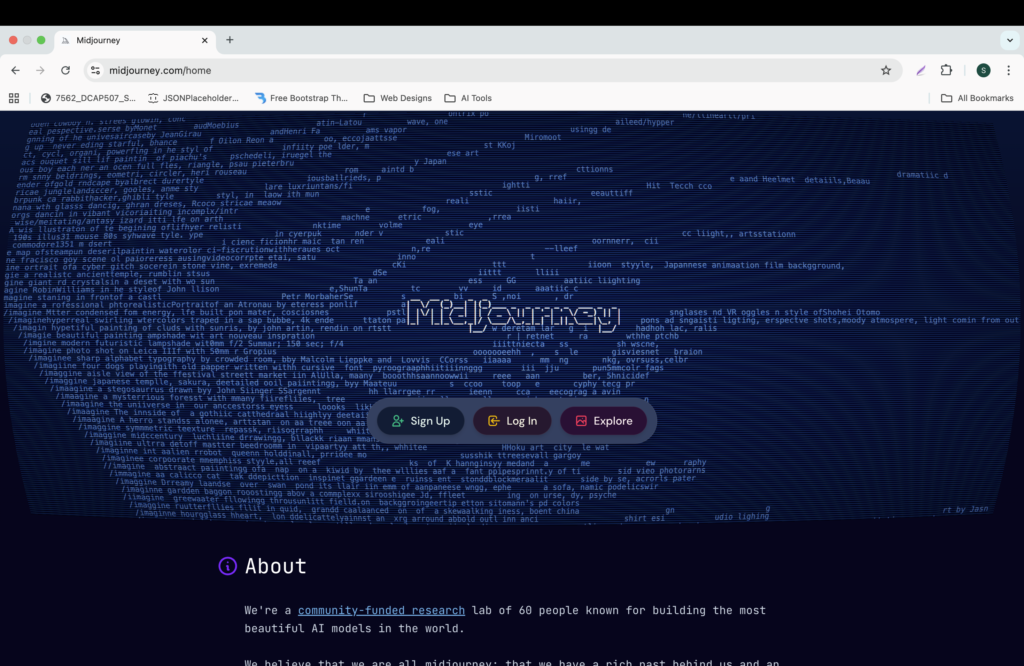
Need a unique image for a project? Leonardo AI offers a generous free tier and is beginner-friendly. Midjourney is the industry standard for high-quality art.
Best for:
- Project visuals
- Art assignments
- Social media graphics
Student Use Case:
Type: “Illustration of a student using AI to study, flat vector style” and get multiple options.
Pricing: Leonardo free credits daily; Midjourney offers paid subscriptions.
10. Elicit – Literature Review for Research Papers
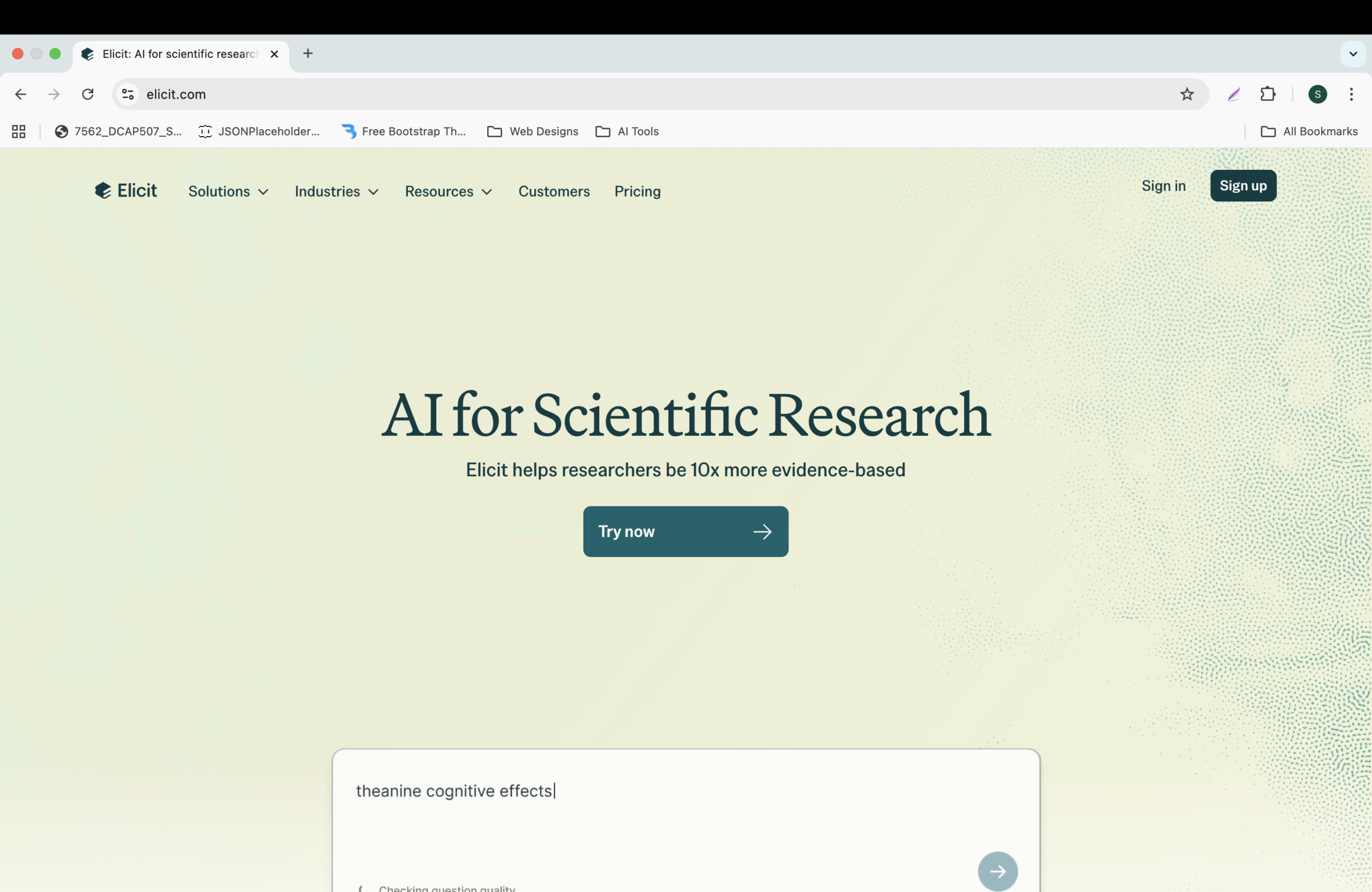
Elicit is a researcher’s best friend. It finds academic papers based on your question and extracts key findings into a table.
Best for:
- Thesis writing
- Literature reviews
- Finding relevant research
Student Use Case:
Ask: “Does mindfulness meditation reduce exam anxiety?” Elicit finds 50+ papers and summarizes their methods, sample size, and results.
Pricing: Free tier with limited queries; paid plans for heavy usage.
11. Agent Factory – Custom AI Assistants
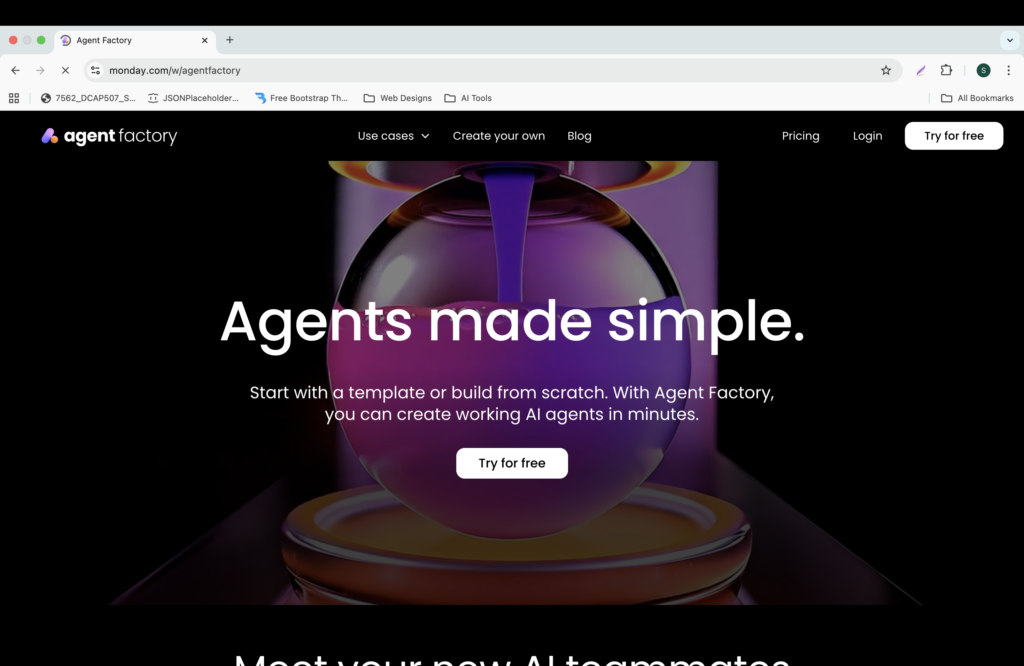
Agent Factory lets you create custom AI agents for repetitive tasks – like grading quizzes, scheduling study plans, or even simulating interviews. It’s gaining popularity among students in 2026.
Best for:
- Automating study tasks
- Personalized tutoring bots
- Mock interviews
Student Use Case:
Create an AI agent that quizzes you daily on history facts based on your syllabus.
Pricing: Free tier with limited actions; paid plans start at competitive rates.
12. Study Fetch – AI-Powered Flashcards & Quizzes
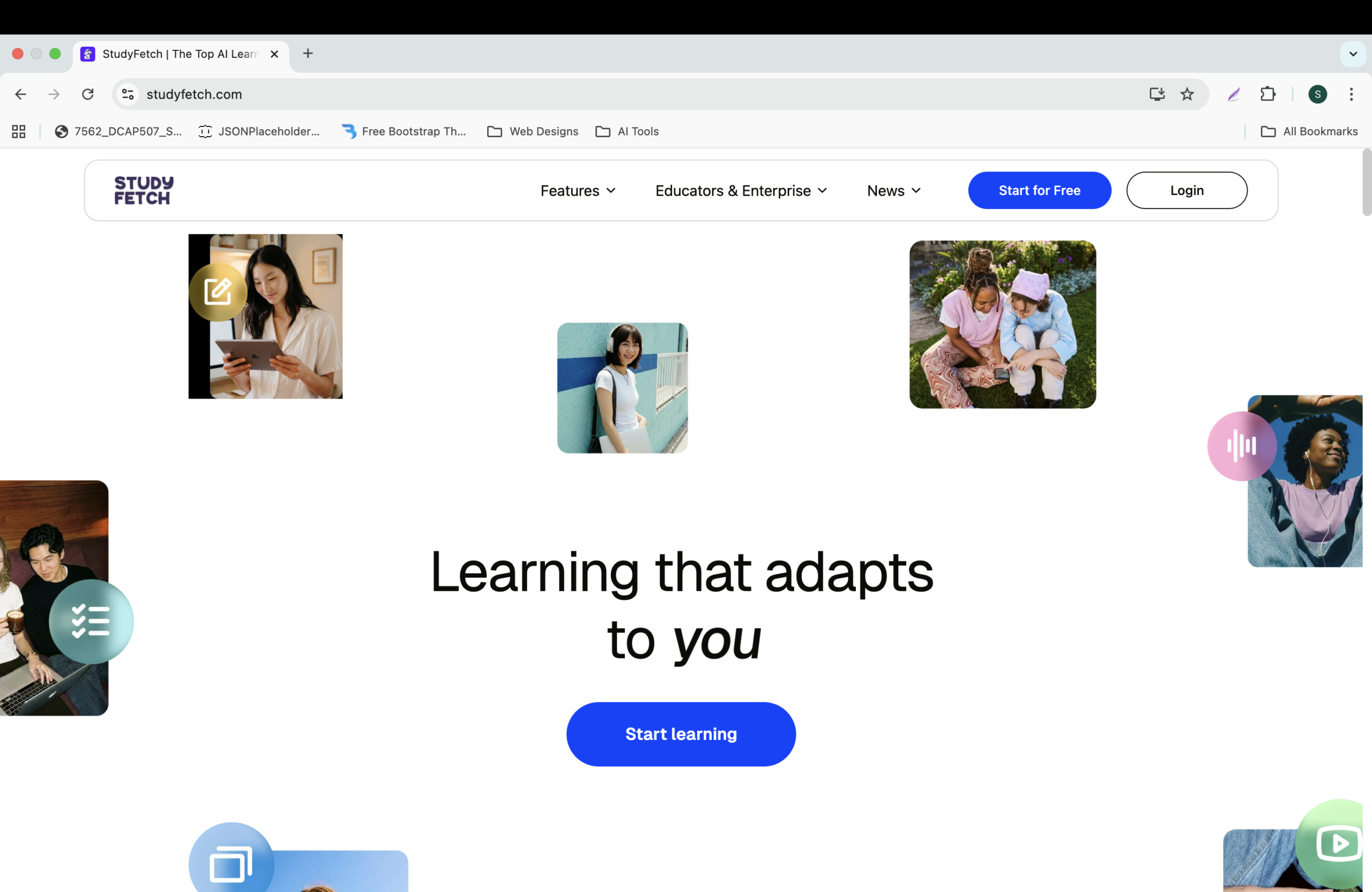
Study Fetch turns your notes, videos, and PDFs into interactive flashcards, quizzes, and study guides automatically.
Best for:
- Exam preparation
- Active recall practice
- Converting lectures to study materials
Student Use Case:
Upload a recorded lecture or PDF; Study Fetch generates flashcards and a practice quiz within minutes.
Pricing: Free trial; premium subscriptions available with student discounts.
13. NotebookLM – Google’s Research Assistant
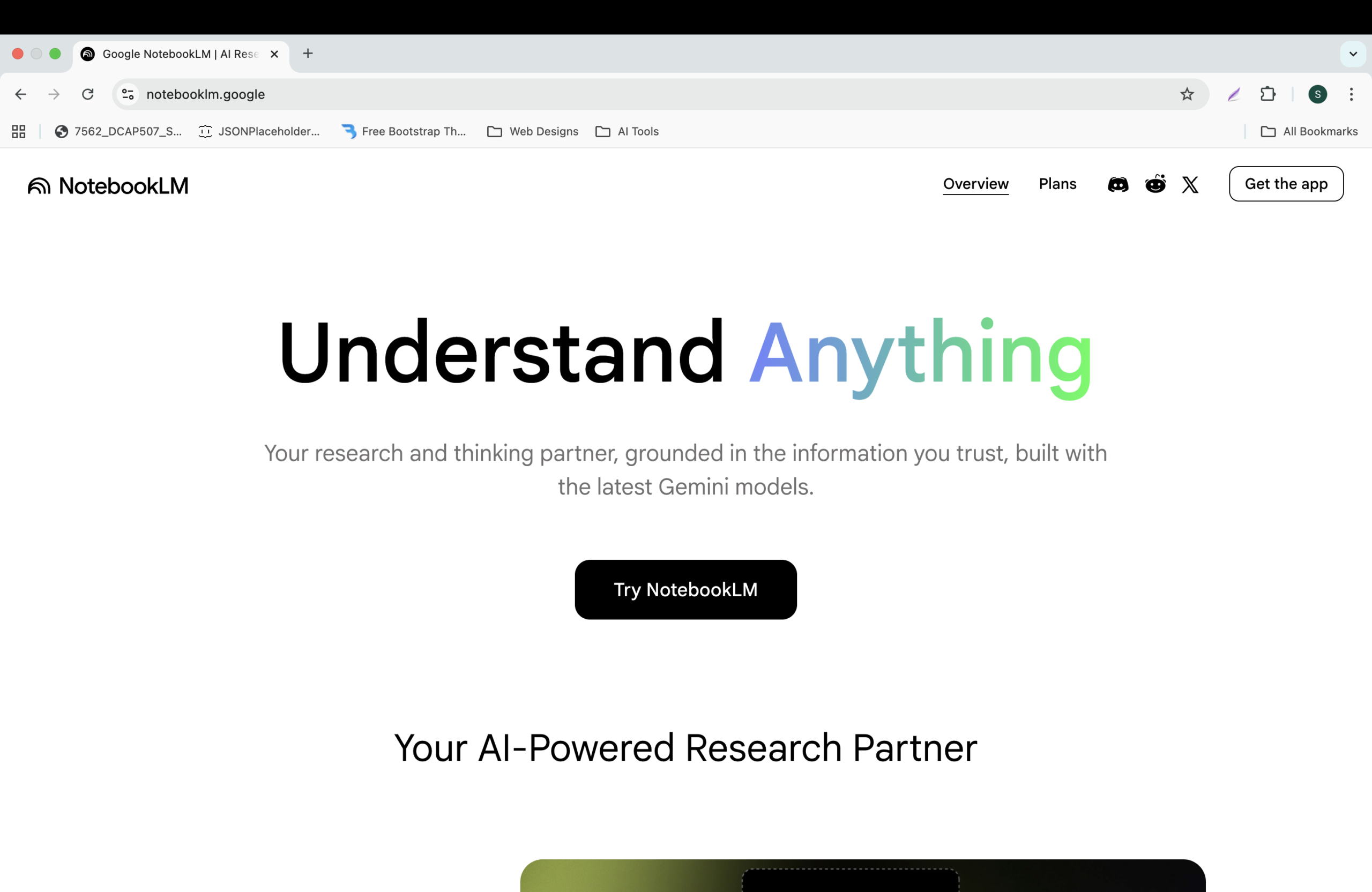
NotebookLM (from Google) is a powerful tool that lets you upload up to 50 sources (PDFs, web links, text) and then ask questions. It answers only from your sources – no hallucinations.
Best for:
- Deep research
- Literature review
- Organizing multiple documents
Student Use Case:
Upload all your semester readings into NotebookLM, then ask: “Compare the arguments of author X and Y on climate policy.”
Pricing: Free with Google account.
14. Anki with AI – Smart Spaced Repetition
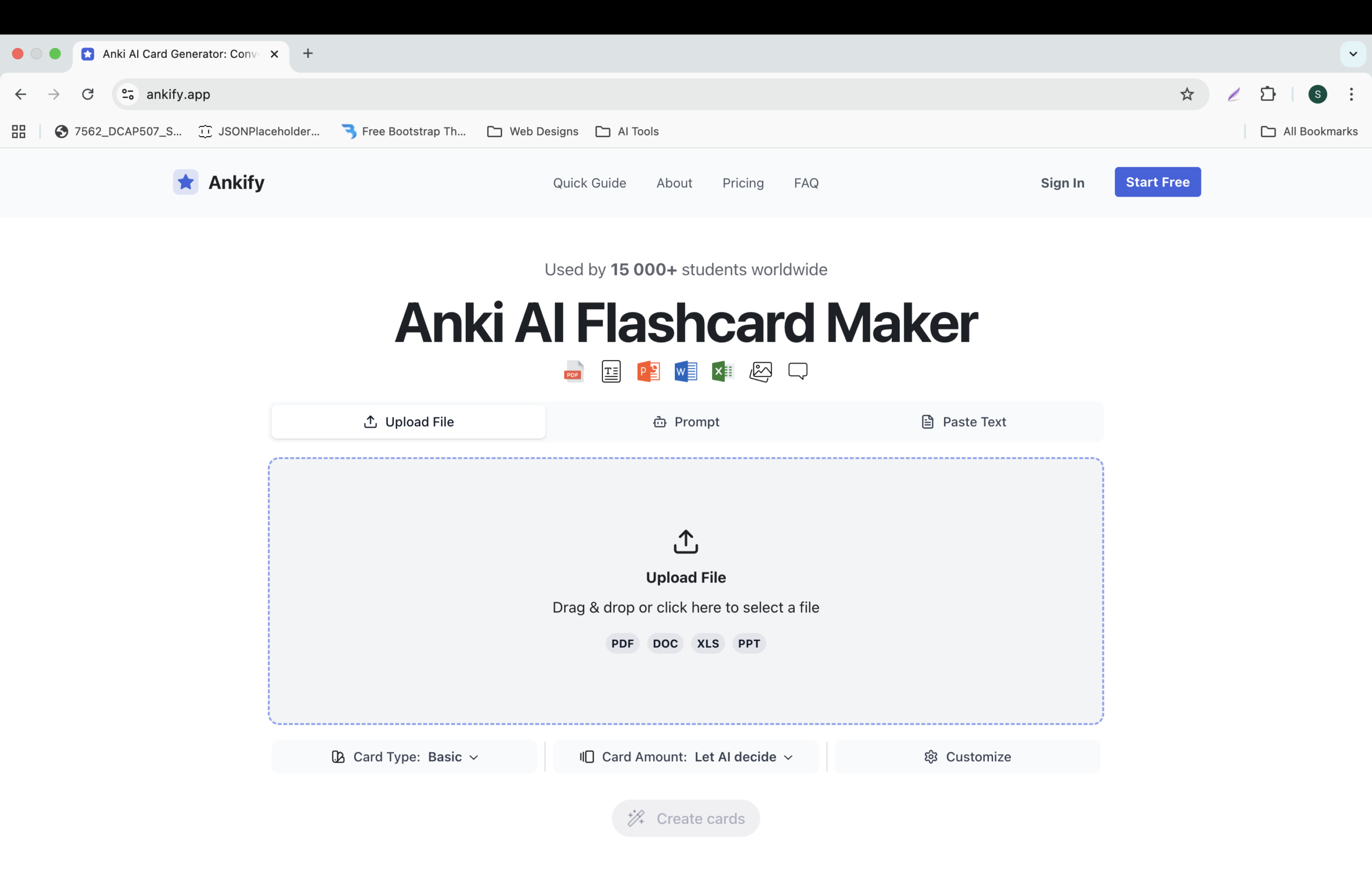
Anki is the classic flashcard app. In 2026, AI plugins (like AnkiGPT) auto-generate flashcards from your notes and optimize review schedules.
Best for:
- Memorization-heavy subjects (medicine, law, languages)
- Long-term retention
- Competitive exam prep (NEET, UPSC, JEE)
Student Use Case:
Feed your biology chapter PDF, and AI creates 50 Anki cards ready for spaced repetition.
Pricing: Anki free; AI plugins may have their own pricing – check official sources.
3. Comparison Table: Top AI Tools for Students 2026 at a Glance
| Tool | Best Feature | Free Tier | Student Discount |
|---|---|---|---|
| ChatGPT-5 | General assistant & tutor | ✅ Yes | ❌ |
| Notion AI | Notes & organization | ✅ Basic | ✅ Available |
| Canva Magic | Design & presentations | ✅ Yes | ✅ Canva for Education free |
| Gamma | AI presentations | ✅ 500 credits/month | ❌ |
| Perplexity AI | Research with citations | ✅ Yes | ❌ |
| Otter.ai | Lecture transcription | ✅ 300 min/month | ✅ Available |
| Replit AI | Coding help | ✅ Yes | ❌ |
| GrammarlyGO | Writing polish | ✅ Basic | ✅ Available |
| Leonardo AI | Image generation | ✅ 150 credits/day | ❌ |
| Elicit | Literature review | ✅ Limited | ❌ |
| Agent Factory | Custom AI assistants | ✅ Limited | ❌ |
| Study Fetch | Flashcards & quizzes | ✅ Free trial | ✅ Available |
| NotebookLM | Research assistant | ✅ Yes (with Google) | ❌ |
| Anki + AI | Spaced repetition | ✅ Anki free | Varies |
4. How to Choose the Right Top AI Tool for Students 2026
It’s easy to feel overwhelmed. Follow this simple decision flow:
- I need help with writing essays: Start with ChatGPT + GrammarlyGO.
- I have to give a presentation: Use Gamma (fast) or Canva (customizable).
- I don’t understand a lecture: Record with Otter.ai and let it summarize.
- I’m learning to code: Use Replit AI or Cursor alongside ChatGPT coding guide.
- I’m doing research: Use Perplexity for quick facts, NotebookLM for deep document analysis.
- I need graphics: Leonardo AI for custom images, Canva for layouts.
- I have to memorize a lot: Anki with AI or Study Fetch.
- I want to automate study tasks: Agent Factory or Notion AI.
5. Bonus: AI Tools for Specific Subjects (2026 Updates)
| Subject | Recommended AI Tools (2026) |
|---|---|
| Mathematics | Wolfram Alpha, Symbolab (AI-powered solvers) |
| Languages | DeepL (translation), Duolingo (AI tutor) |
| Science | Scite (citation analysis), Labster (virtual labs) |
| History / Social Studies | Perplexity AI (sources), NotebookLM (document analysis) |
| Design / Art | Canva, Leonardo AI, Midjourney |
| Coding | Replit AI, Cursor, ChatGPT coding guide |
| Medicine / Law (Memory heavy) | Anki with AI, Study Fetch |
6. Conclusion – Start Using Top AI Tools for Students 2026 Today
Doston, top AI tools for students 2026 में वो सब कुछ है जो आपको smarter और faster study करने में मदद कर सकता है। आपको सभी 14 tools use करने की जरूरत नहीं है – बस 2-3 tools select करें जो आपके daily workflow में fit हो जाएं।
Start with these two:
- ChatGPT – for instant answers and explanations
- Canva – to make your projects look professional
Phir dheere-dheere explore करें और देखें कि आपकी productivity कैसे बढ़ती है।
अगर आपने पहले से कोई AI tool use किया है, तो comment में बताइए कि आपको सबसे useful कौन सा लगा। और हाँ, इस guide को अपने दोस्तों के साथ share करें ताकि वो भी smart study कर सकें।
Happy studying with top AI tools for students 2026! 🚀📚
Additional Resources
For those interested in expanding their skills with APIs, check out our Top 10 Free APIs for Practice in 2025 and improve your JavaScript mastery with our Master ES6 JavaScript – Complete Guide at Master ES6 JavaScript – Complete Guide.