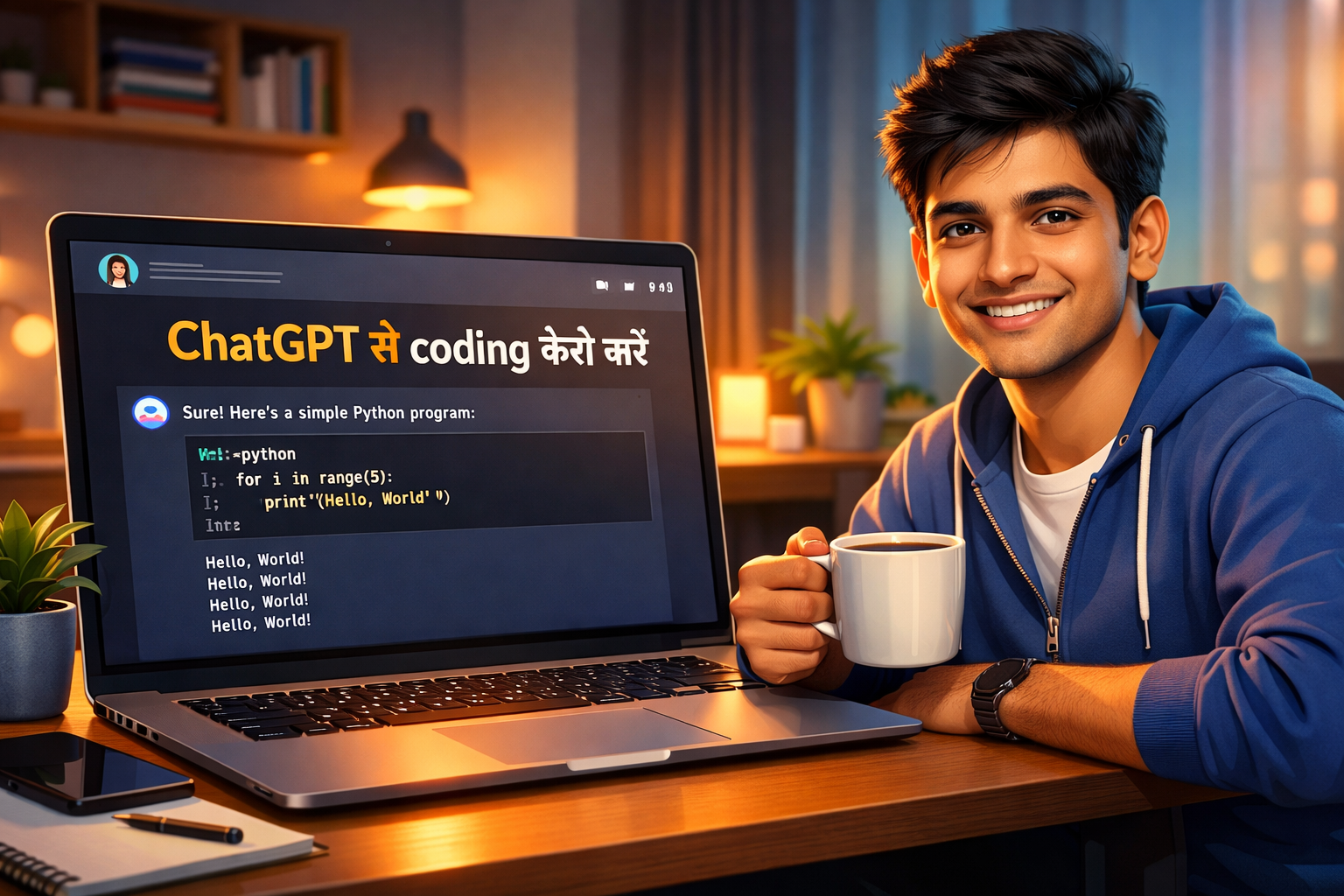
आज हम सीखेंगे ChatGPT से coding कैसे करें – वो भी बिल्कुल शुरुआत से। अगर आपने कभी सोचा “coding सीखनी है पर कहाँ से शुरू करूँ?”, तो ये guide आपके लिए है।
ChatGPT से coding सीखना अब पहले से कहीं ज्यादा आसान हो गया है। चाहे आप Python सीखना चाहें, JavaScript समझना चाहें, या अपना पहला website बनाना चाहें – ChatGPT आपका personal tutor बन सकता है। इस article में मैं step-by-step बताऊंगा कि ChatGPT से coding कैसे करें, कैसे prompts use करें, और कैसे अपने पहले project को complete करें।
Table of Contents
1. Coding सीखने के लिए ChatGPT क्यों best है?
Pehle zamane mein coding seekhne ke liye aapko books पढ़नी पड़ती थी, या YouTube पर घंटों videos देखनी पड़ती थी। Problem ये थी कि जब आपका code error देता था, तो आपको समझ नहीं आता था कि galat kya hai.
ChatGPT से coding सीखना ये सब बदल देता है:
- Instant Answers: आपका code काम नहीं कर रहा? ChatGPT को error message copy-paste करो, वो बता देगा कि क्या गलती है।
- Explanations: ये code को line-by-line समझा सकता है – जैसे कोई teacher समझाता है।
- Project Ideas: अगर आपको idea नहीं मिल रहा, तो ChatGPT 10 project suggestions दे सकता है।
- Language Flexible: आप Hindi में भी पूछ सकते हैं, और वो code English में देगा – best of both worlds.
2. शुरुआत कैसे करें: ChatGPT से coding शुरू करने के 3 आसान steps
Sabse pehle aapko ChatGPT की website (chat.openai.com) पर जाना है और account बनाना है (free account kaafi hai beginners के लिए)।
Ab yeh steps follow करें:
Step 1: Choose a Programming Language
Beginners ke liye Python best hai। क्योंकि इसकी syntax बहुत simple है और ChatGPT bhi Python mein sabse accurate code देता है। ChatGPT से coding शुरू करने के लिए Python सबसे आसान भाषा है।
Step 2: Start with Small Prompts
ChatGPT se baat करना एक art है. Aap jitna clearly बताएंगे, उतना अच्छा result milega.
Example:
“Mujhe Python seekhna hai. Main bilkul beginner hoon. Please mujhe pehla program ‘Hello, World!’ samjhao, har line ka matlab batao.”
Step 3: Practice on Your Machine
ChatGPT code dega, lekin aapko usse run karna hoga। Python ke liye aap VS Code ya Google Colab (browser-based, no installation) use kar sakte ho.
3. Best Prompts for Learning Coding – ChatGPT से coding के लिए जरूरी prompts
Yeh kuch powerful prompts hain jo aap ChatGPT se puch sakte ho। Inhe copy karke use karo। Ye prompts specifically ChatGPT से coding सीखने के लिए डिज़ाइन किए गए हैं:
| Purpose | Prompt (Hindi/English mix) |
|---|---|
| Concept Explanation | “Explain loops in Python with simple examples. Use Hindi for explanation but code in English.” |
| Code Generation | “Write a Python program to find factorial of a number. Add comments to explain each step.” |
| Debugging | “Mera code error de raha hai: [paste error]. Isko theek karo aur batao kya galat tha.” |
| Project Guidance | “I want to make a to-do list app. Guide me step by step, from start to finish. Use beginner level.” |
| Code Improvement | “Maine ye code likha hai: [paste code]. Isko better kaise bana sakte hoon? Suggest improvements.” |
4. Real Example: Python में Calculator बनाना – ChatGPT से coding का लाइव डेमो
Chaliye ab ek real example karte hain jisme hum dekhenge ChatGPT से coding का live demo। Maan lo aapko ek simple calculator banani hai jo do numbers ko add, subtract, multiply, divide kare।
Prompt:
“Mujhe Python mein ek simple calculator chahiye jo user se do numbers aur operation (+, -, *, /) le aur result dikhaye. Code likh do aur har line ka explanation Hindi mein do.”
ChatGPT का output kuch aisa hoga:
# Calculator program
def calculator():
    # User se pehla number lena
    num1 = float(input("Pehla number daalo: "))

    # User se operation lena
    op = input("Operation (+,-,*,/) daalo: ")

    # User se doosra number lena
    num2 = float(input("Doosra number daalo: "))

    # Operation ke hisaab se result calculate karna
    if op == '+':
        result = num1 + num2
    elif op == '-':
        result = num1 - num2
    elif op == '*':
        result = num1 * num2
    elif op == '/':
        if num2 != 0:
            result = num1 / num2
        else:
            return "Error: Zero se division nahi kar sakte"
    else:
        return "Galat operation"

    return f"Result: {result}"

# Function call
print(calculator())
ChatGPT का explanation (Hindi mein):
input()– user se value leta hai.float()– number ko decimal mein convert karta hai.if-elif– check karta hai ki user ne kaunsa operation choose kiya।- Function
calculator()– saara logic wrap karta hai।
Aap is code ko copy karke apne system mein run karo। Pehle bar mein samajh aa jayega। Is tarah ChatGPT से coding सीखना बहुत interactive और fun हो जाता है।
5. Debugging – जब error आए तो ChatGPT से coding की मदद कैसे लें?
Jab aap code likhenge, errors aana normal hai। ChatGPT से coding करते वक्त debugging का तरीका जानना बहुत जरूरी है।
Example: Maan lo aapne calculator wala code run kiya aur error aaya:
NameError: name 'num1' is not defined.
Aap ChatGPT se pucho:
“Mujhe ye error aa raha hai: NameError: name ‘num1’ is not defined. Mera code hai: [paste code]. Kya galat hai?”
ChatGPT bata dega ki aapne variable define kahan kiya, scope kya hai, aur fix kaise karna hai।
Pro Tip: Error message ko dhyan se padho aur ChatGPT ko exact error do। Jitna precise doge, utna jaldi solution milega।
6. Complete Project कैसे बनाएं ChatGPT से coding करके
Jab aapko basics aa jaye, toh aap ChatGPT se full project bana sakte ho। Yeh process follow karo:
- Idea final karo: “Mujhe ek weather app banani hai jo city name leke temperature dikhaye.”
- Break down into steps: ChatGPT se pucho ki is project ke liye kya kya steps honge.
- Code generation: Har step ke liye code mangao.
- Assemble and test: Saare pieces ko ek saath rakh kar test karo.
- Improve: ChatGPT se poocho ki UI kaise better kar sakte ho.
Is tarah ChatGPT से coding करके aap real-world projects bana sakte ho jo resume mein lagane layak ho।
7. ChatGPT की Limitations – क्या ChatGPT से coding पूरी तरह सीख सकते हैं?
ChatGPT से coding सीखना powerful है, lekin perfect नहीं। Kuch baatein yaad rakho:
- Code sometimes buggy हो सकता है: Har baar perfect code nahi dega। Aapko manually test karna padega।
- Long projects के लिए context limit: Agar ek hi conversation bahut lambi ho gayi, toh ChatGPT pehle wali baat bhool sakta hai।
- Latest libraries का knowledge limited: Agar koi naya version aaya hai, toh ChatGPT uske baare mein nahi jaanta (unless you use browsing feature).
- Security issues: ChatGPT jo code likhta hai, wo safe nahi ho sakta। Kabhi bhi sensitive data (passwords, API keys) wala code directly use mat karo।
Solution: ChatGPT ko mentor की तरह use karo, blindly trust mat karo। Always verify and test.
8. Bonus: Coding के लिए और AI Tools – ChatGPT से coding के साथ इस्तेमाल करें
ChatGPT ke alawa kuch aur bhi AI tools hain jo ChatGPT से coding सीखने में मदद करते हैं:
| Tool | Kya karta hai? |
|---|---|
| GitHub Copilot | VS Code mein real-time code suggest karta hai। (Paid but student discount) |
| Replit Ghostwriter | Browser-based coding with AI help. Free tier available. |
| Cursor | VS Code jaisa editor but built-in AI se code write karwa sakte ho. |
| Google Colab AI | Colab notebooks mein AI assistance milti hai। |
Inme se Replit beginners ke liye best hai kyunki kuch install nahi karna padta।
9. Conclusion – अब आपकी बारी: ChatGPT से coding शुरू करें और expert बनें
Doston, ChatGPT से coding सीखना आपके लिए गेम-चेंजर साबित हो सकता है। ये कोई shortcut नहीं है, बल्कि एक smart way है। अगर आप consistently practice करोगे, तो ChatGPT आपकी learning speed बहुत बढ़ा सकता है।
Aaj hi karo: ChatGPT में जाकर एक simple program likhne ko bolo – jaise “Python mein even numbers print karo”। Phir usse modify karo। Dekho kitna easy lagta hai।
Agar yeh guide aapko helpful laga toh comment karke zaroor batayein ki aapne apna pehla code ChatGPT se likha या नहीं। और haan, is article ko apne doston ke saath share karein jo coding start karna chahte hain।
Happy Coding with ChatGPT!
Additional Resources
For those interested in expanding their skills with APIs, check out our Top 10 Free APIs for Practice in 2025 and improve your JavaScript mastery with our Master ES6 JavaScript – Complete Guide at Master ES6 JavaScript – Complete Guide.