Dart Programming Tutorial for Beginners
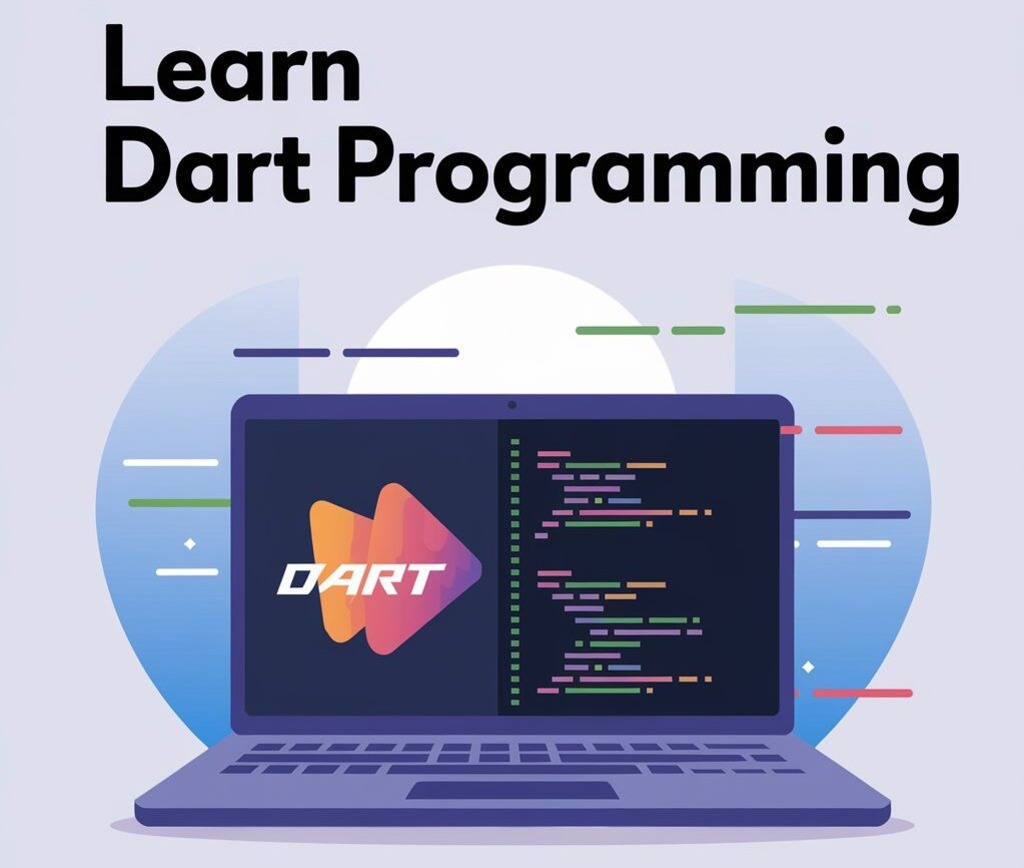
Are you interested in learning Dart programming? Whether you’re planning to dive into Flutter development or simply want to learn a modern, powerful language—this Dart tutorial is the perfect starting point for beginners.
What is Dart?
Dart is an open-source, general-purpose programming language developed by Google. It is optimized for building fast, modern web and mobile apps. Dart is the language behind Flutter, Google’s popular UI toolkit for cross-platform development.
- Easy to learn for JavaScript, Java, or C# developers
- Used with Flutter to build Android, iOS, Web, and Desktop apps
- Fast, expressive, and safe language
- Strong community support
How to Install Dart?
You can install Dart in two ways:
1. Using Flutter SDK (Recommended)
If you’re learning Dart for Flutter:
https://flutter.dev/docs/get-started/install2. Install Dart SDK Directly:
Go to https://dart.dev/get-dart and follow the setup instructions for your operating system.
Your First Dart Program
Create a new Dart file and name it hello.dart:
void main() {
  print('Hello, Dart!');
}
Run it:
dart hello.dartOutput:
Hello, Dart!Dart Basics
1. Variables
void main() {
  var name = 'Shri Kant';
  int age = 25;
  double height = 5.9;
  bool isStudent = true;

  print('$name is $age years old.');
}
2. Data Types
int– Integer valuesdouble– Decimal valuesString– Textbool– true or falseList– ArraysMap– Key-value pairs
3. Functions
void greet(String name) {
  print('Hello, $name!');
}

void main() {
  greet('Shri Kant');
}
4. Conditionals
void main() {
  int marks = 75;

  if (marks >= 60) {
    print('Pass');
  } else {
    print('Fail');
  }
}
5. Loops
void main() {
  for (int i = 1; i <= 5; i++) {
    print('Number: $i');
  }
}
5.1 While Loops
void main() {
  int i = 1;

  while (i <= 5) {
    print('Number: $i');
    i++;  // Increment i by 1
  }
}
6. Using Lists in Dart
Lists in Dart allow you to store multiple values in a single variable. Here’s an example:
void main() {
  List<String> fruits = ['Apple', 'Banana', 'Orange'];

  for (var fruit in fruits) {
    print(fruit);
  }
}
Explanation:
- We create a
Listcalledfruitsto store strings. - The
forloop iterates over each item in the list and prints it.
Conclusion
Dart is a beginner-friendly yet powerful language for modern app development. Whether you’re coding for web, mobile, or desktop, Dart provides the tools and simplicity to bring your ideas to life.